 Drive DTC
Activate a license code or coupon
Codes look like DDTC-XXXX-XXXX-XXXX-XXXX and work without an account. A coupon word from a flyer works too.
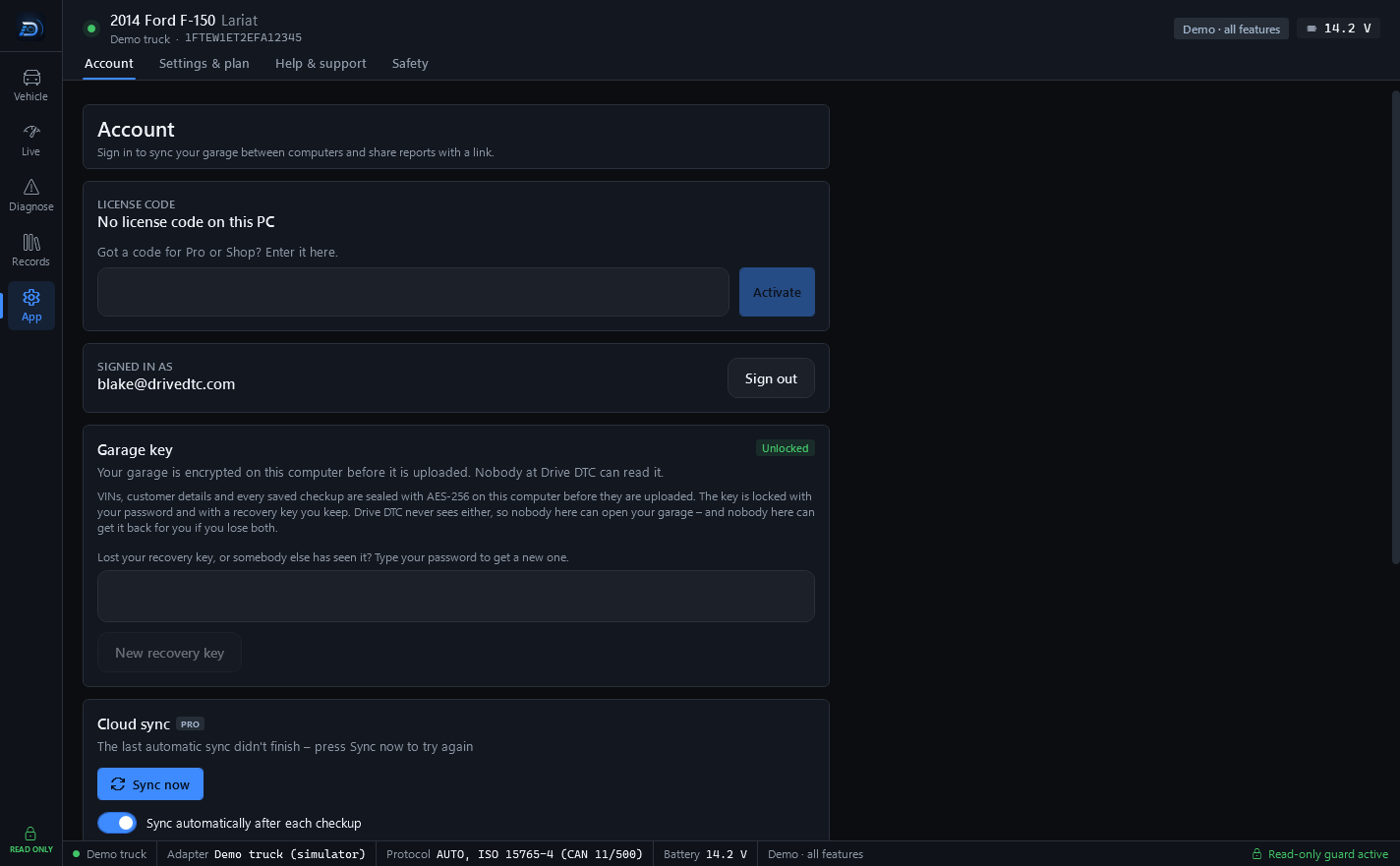
A license code is a second way into Drive DTC that does not need an account. Codes look like DDTC-XXXX-XXXX-XXXX-XXXX and carry a plan (Free, Pro or Shop), any brand packs, an end date or none, and a number of computers. A coupon is one word many people can redeem, printed on a card or flyer.
Activate it
- On the welcome screen choose Licence code, or in the app go to App → Account and find LICENSE CODE.
- Type the code. A coupon word goes in the same box.
- If the agreement box is showing, open the three policy links and tick it.
- Press Activate.
The Account page then shows the code with its plan, any brands, how many vehicles it covers and its end date, or "no end date".
Where it works
- A code works on a limited number of computers. Keep your code private.
- A coupon redemption is one computer.
- Drive DTC re-checks the code online from time to time. Without internet it keeps working for 7 days after the last successful check.
- Press Remove from this PC on the Account page to free the slot for another computer.
What a code can do
- A Pro or Shop code unlocks that plan on the computer.
- A code with a brand pack may be limited to a number of vehicles, counted by VIN. See Brand packs.
- A free code only unlocks access to the app.
Note: License codes are final once they're activated. Free, trial and promotional codes have no cash value. See Refunds.
If a code came with a link to the redeem page on drivedtc.com, the code sits after the # in that address and never reaches the server. Copy it from the page and follow the steps above.
Last updated
Was this helpful?