 Drive DTC
Buy Pro or Shop, or restore a purchase
Buy inside the app through the Microsoft Store, and use Restore purchases on a new computer.
Pro and Shop are bought inside the app, through the Microsoft Store. Microsoft handles the payment and the receipt, and the purchase belongs to the Microsoft account you are signed in to on Windows. One-time purchases – no subscription.
Buy
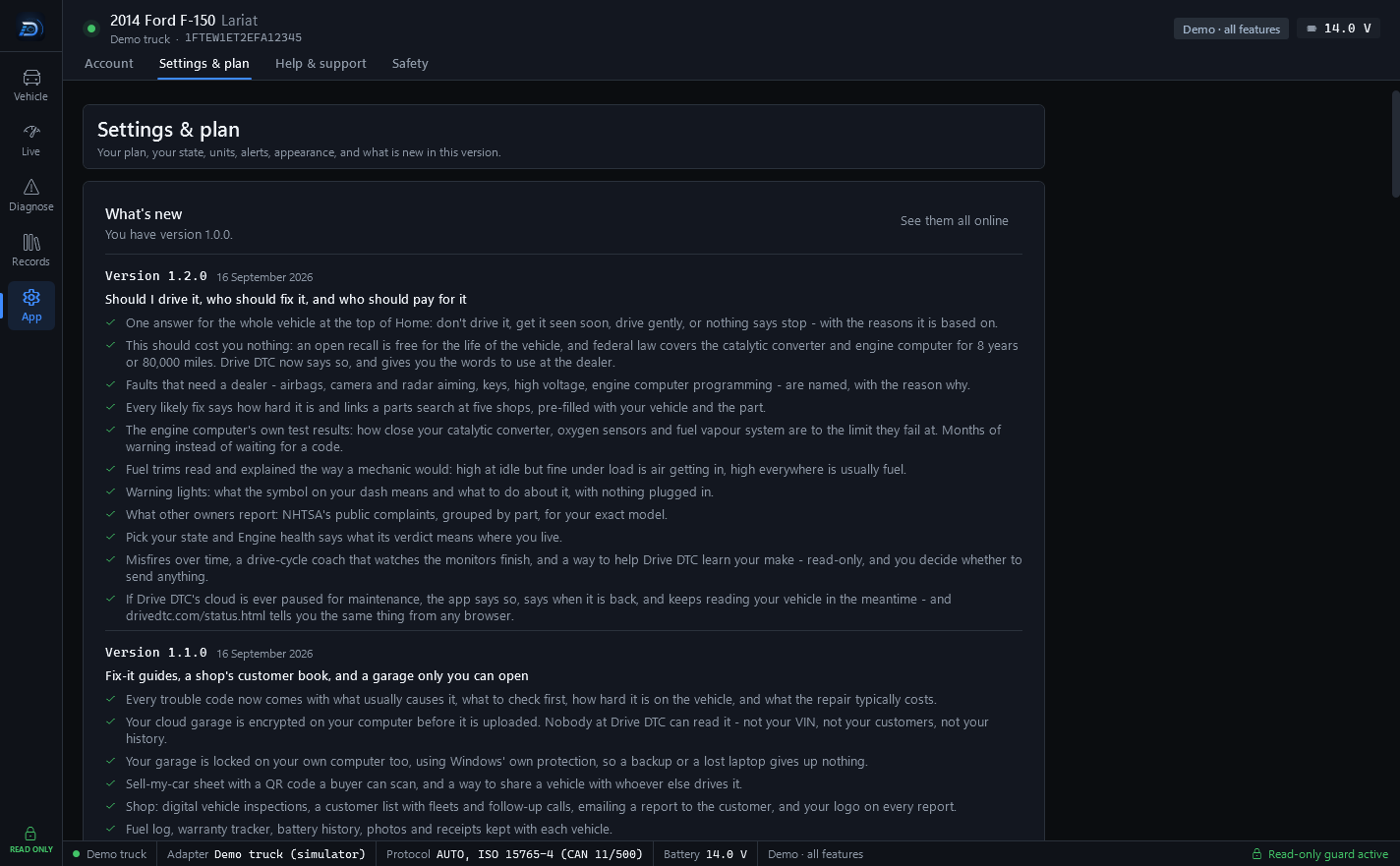
- Go to App → Settings & plan and find Your plan.
- Press Upgrade to Pro or Get Shop.
- Finish the purchase in the Microsoft Store window.
- Your plan chip changes, and the source line under it says Microsoft Store.
Purchases work in the Microsoft Store version of Drive DTC. If you installed the app another way, the plan panel says so.
Restore a purchase
On a new computer, or if the plan chip does not change after buying:
- Make sure Windows is signed in to the same Microsoft account you bought with.
- Go to Settings & plan and press Restore purchases.
Your account also has a computer limit. See Computers on your account.
Plans given by Drive DTC
Sometimes Drive DTC gives an account Pro or Shop directly, for a while or with no end date. Settings & plan then shows a box with the plan, when it ends, and what the account goes back to: Given by Drive DTC. There is nothing to pay and nothing to cancel. A plan you bought is never lowered by a granted one.
Note: Store refunds are handled by Microsoft under Microsoft's refund policies. See Refunds.
Last updated
Was this helpful?