 Drive DTC
Computers on your account
Your account works on up to 3 computers. Remove one you no longer use to move your plan to a new PC.
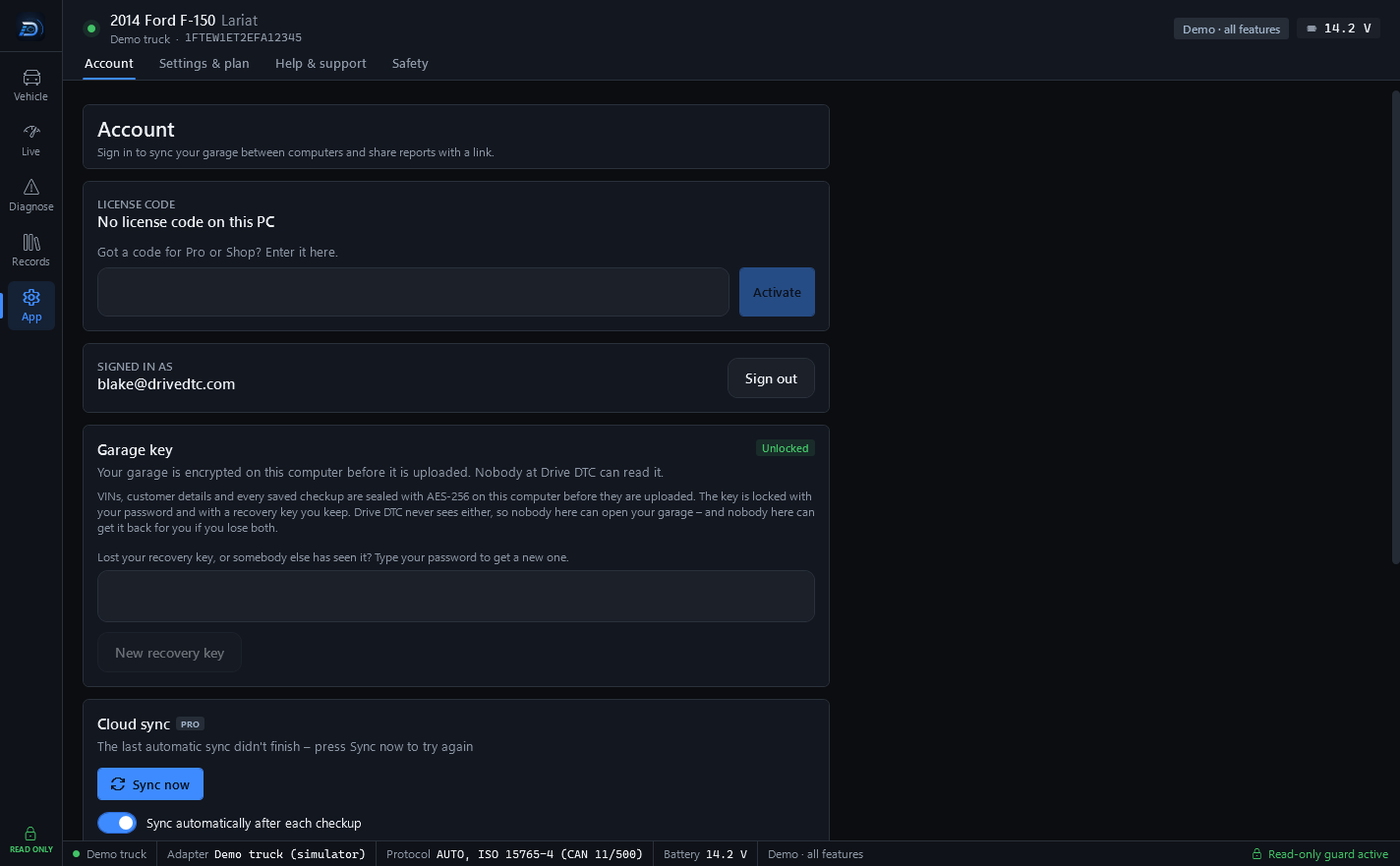
Every computer you sign in on is registered to your account. An account works on up to 3 computers. Shop accounts get 10.
On the Account page, Computers using your account lists each computer with its name, when it was last used and which app version it runs. This computer is marked This computer.
Move your plan to a new computer
- Sign in on the new computer.
- If you are over the limit, the Account page says: "To use your plan on this computer, remove a computer you don't use anymore."
- Press Remove next to the computer you no longer use, then confirm.
- Your plan works on the new computer straight away.
Removing a computer means a plan or brand packs on your account stop working on that computer, and it uses up one of your moves for the next 30 days.
Moves
You can remove up to 3 computers in any 30 days. The Account page tells you how many moves you have left, for example "You can remove 2 more computers in the next 30 days."
Over the limit
You can still sign in on an extra computer and use the free features. A plan or brand packs on your account won't work on it until you remove one of the others.
Note: License codes have their own computer limit, separate from your account. See Activate a license code or coupon.
Last updated
Was this helpful?