 Drive DTC
Delete your cloud data or your account
Two buttons on the Account page, one clears what you synced and the other deletes the account itself.
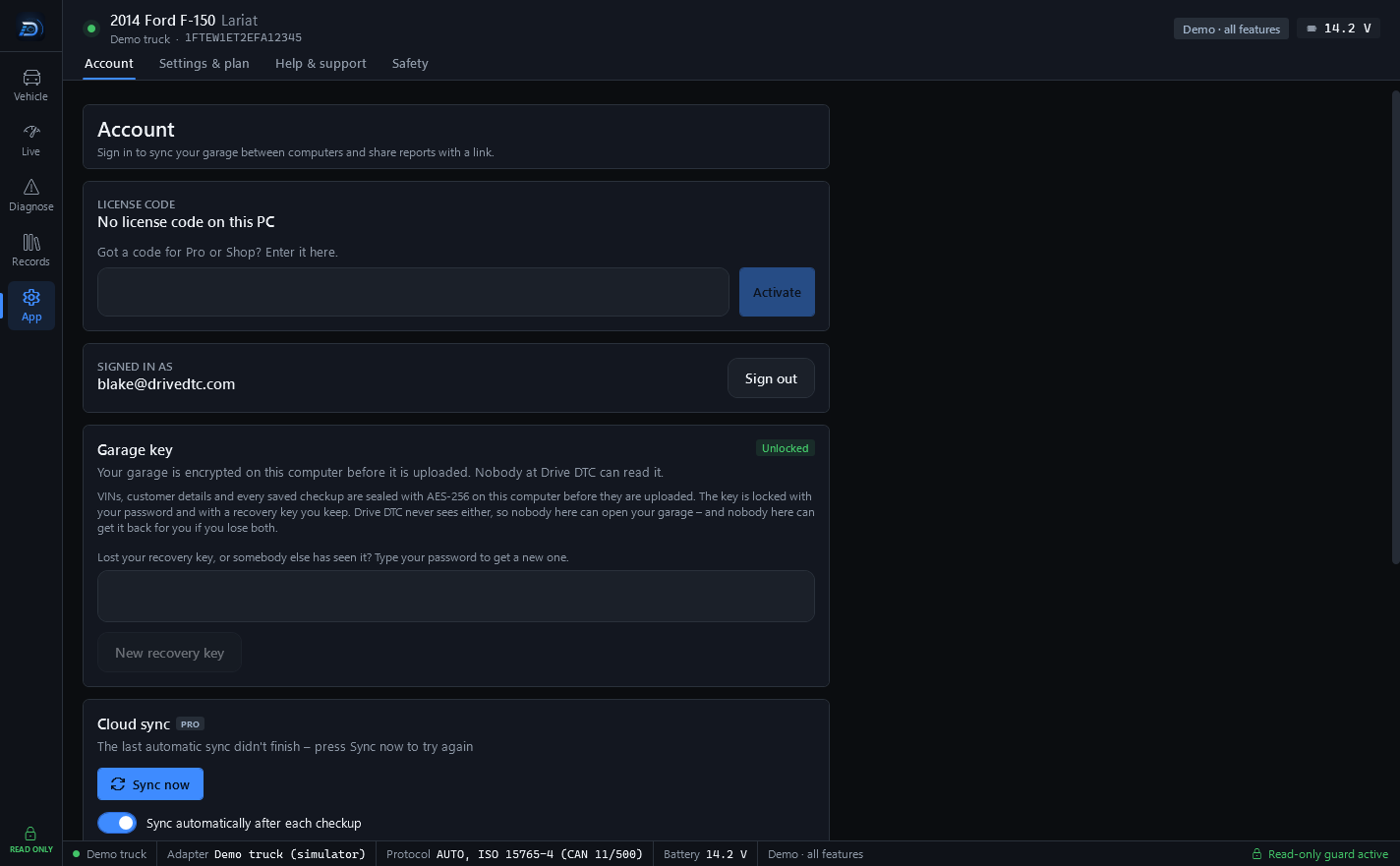
Both actions are at the bottom of the Account page (App → Account) while you are signed in. Neither one touches the garage on this computer.
Delete my cloud data
This removes every synced vehicle, checkup, maintenance item and share link from the cloud. Your garage stays on this computer.
- Go to App → Account.
- Under Delete my cloud data press Delete cloud data.
- Confirm.
Afterwards the app says: "Cloud data deleted, including the garage key. Automatic sync is now off – syncing again would upload this computer's garage." You stay signed in. If you press Sync now later, a new garage key is created and a new recovery key is shown once.
Delete my account
This permanently deletes your Drive DTC account with its cloud garage, share links, support messages, and any plan or brand packs included with the account. Microsoft Store purchases stay with your Microsoft account, and the garage on this computer isn't touched.
- Go to App → Account.
- Under Delete my account, type your account's email address to confirm.
- Press Delete my account.
Warning: This can't be undone. Plans or brand packs that were granted to the account are gone with it. Microsoft Store purchases are not affected, because they belong to your Microsoft account, and Settings & plan → Restore purchases brings them back.
What is kept
A few records are kept after deletion, such as vehicle confirmations and notes about refunds or disputes. Section 5 of the Privacy Policy lists them. You can also make a deletion request by emailing [email protected] from your account's email address.
Local data
To remove what is on this computer, delete the Drive DTC folders in your Documents and AppData folders, or uninstall the app. Settings & plan → Privacy & diagnostics → Open Drive DTC data folder takes you there.
Last updated
Was this helpful?