 Drive DTC
Email a report to a customer
Send a customer their branded report straight from the Garage, as a link that works for 30 days.
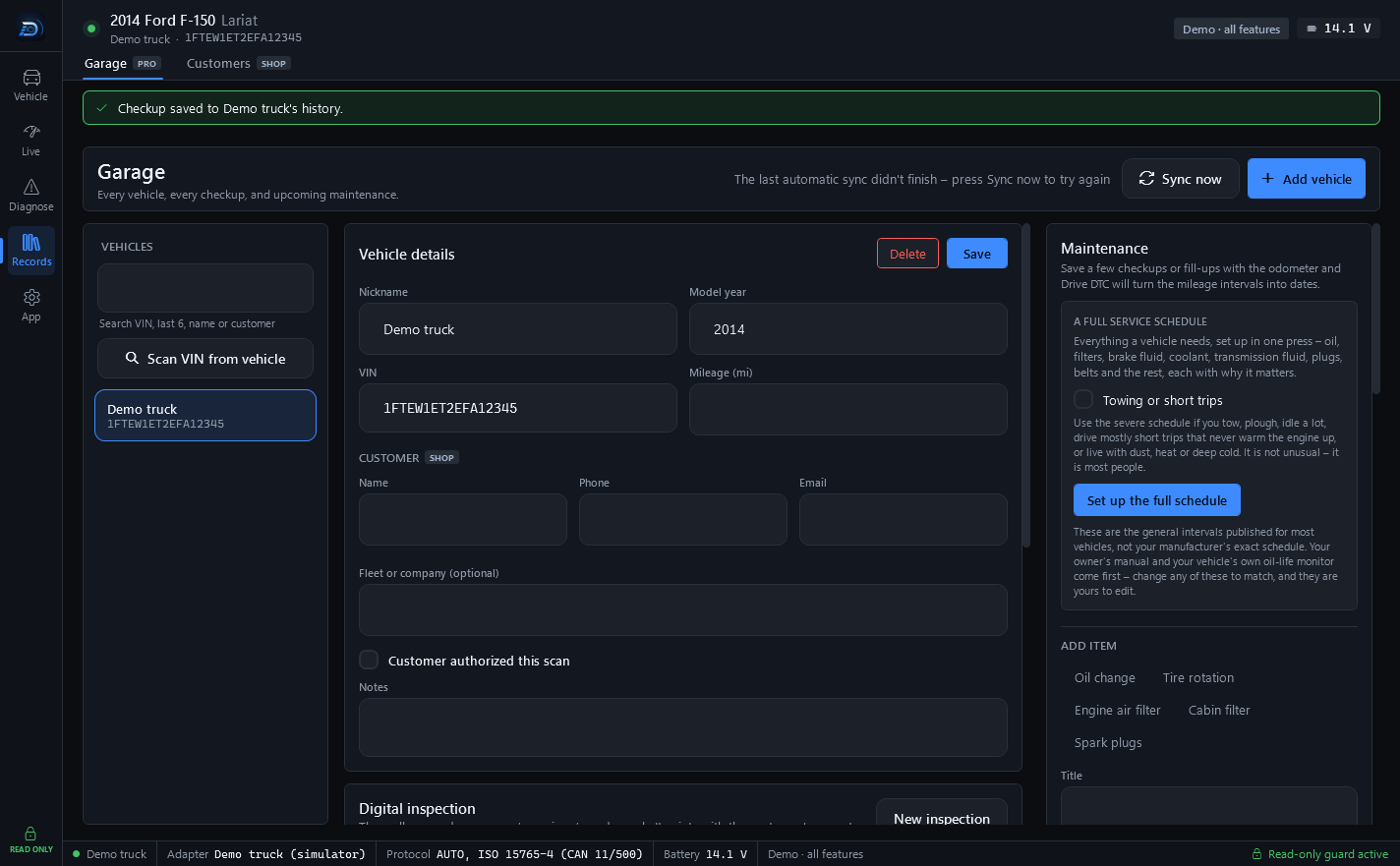
With the Shop plan, every saved checkup in the Garage has an envelope icon: Email this report to the customer. The report goes up as a 30-day share link, and Drive DTC's server emails the customer that link. Emailing a report needs you to be signed in.
Send one
- In the Garage, open the vehicle and make sure the customer's Email is filled in under CUSTOMER. The address always comes from the vehicle's customer details, never from typing it at send time.
- Under Checkup history, press the envelope icon on the checkup.
- Confirm the address in the dialog.
If the vehicle has no customer email, Drive DTC says "Add the customer's email address to this vehicle first."
What the customer gets
An email with a link to the report. The report carries your shop's name, logo and contact details, the latest inspection, any estimate or invoice with the signature, and your coupon if one is set. The link works for 30 days, like any share link. See Save, print and share a report.
Limits
Each report can be emailed 5 times, and an account can send 40 report emails a day.
Note: The whole link, including the key that opens the report, is in that email, so it passes through Drive DTC's email provider. If a customer would rather not receive email, print the report or copy the share link and send it yourself.
Last updated
Was this helpful?