 Drive DTC
Put your shop's name on reports
Add your shop's name, contact details and logo to printed, PDF and shared reports, plus an optional coupon.
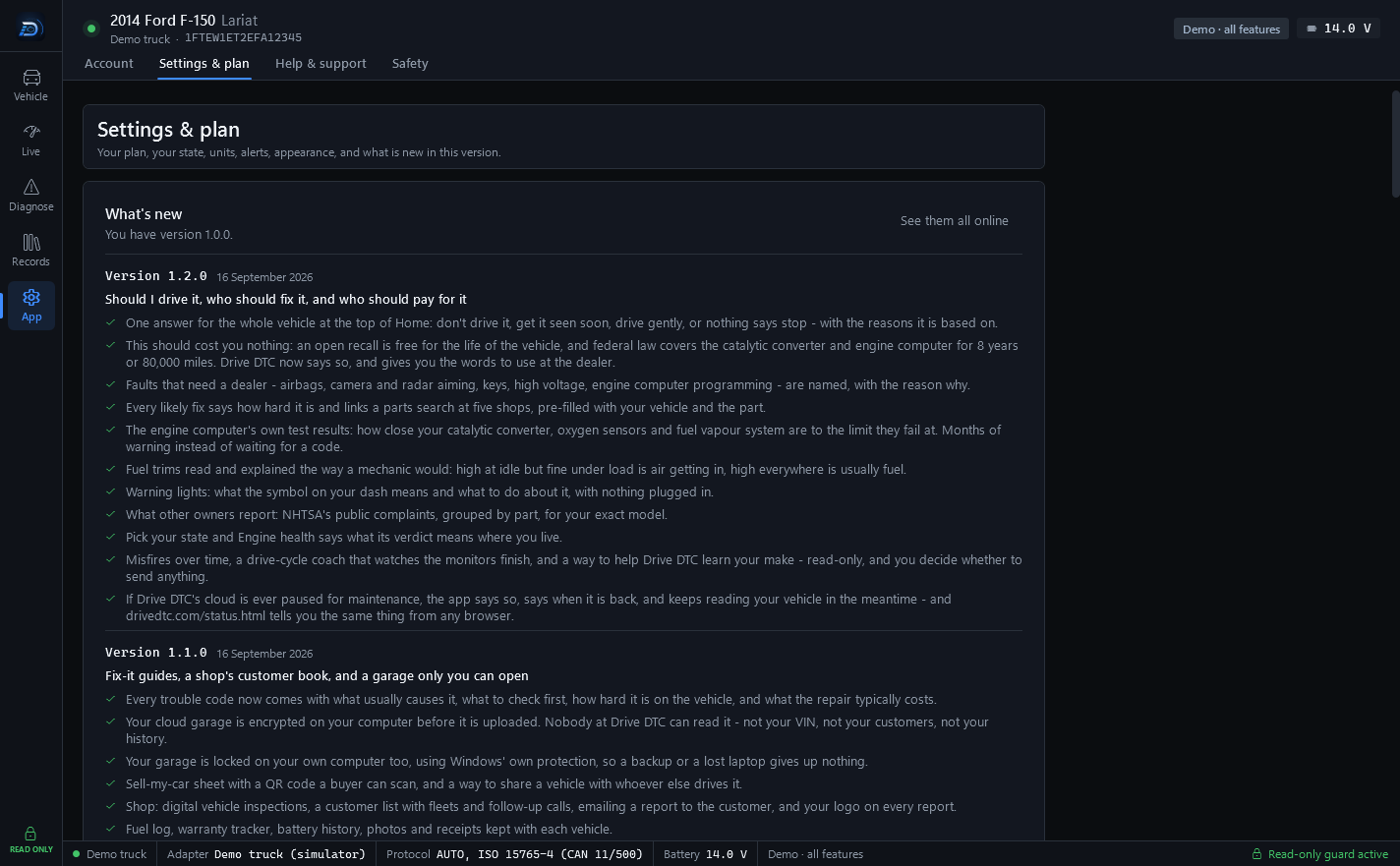
With the Shop plan, Settings & plan gains a Shop branding section. What you enter there is shown at the top of printed, PDF and shared reports, on vehicle history reports and on estimates.
Add your shop details
- Go to App → Settings & plan and scroll to Shop branding.
- Fill in Shop name, Phone, Email and Address.
- Press Choose logo… to add your logo. Remove takes it off again.
- Press Save shop details.
Customer coupon
A coupon is printed in a dashed box at the bottom of reports and estimates. Leave the offer empty for no coupon; past the last day, nothing is printed.
- Offer: the words the customer sees, for example "$20 off your next oil change".
- Code (optional): a code they quote when they come back.
- Good through (optional): the last day it is valid. After that date the box disappears from new reports on its own.
Press Save shop details after changing it.
Your labor rate
Under Repair estimates, set Labor rate per hour. Trouble codes show what a repair usually costs, using this hourly rate. Set it to what shops charge near you – or your own rate, if you're the shop.
Note: The shop name is also what a family share shows as the sender when you share a vehicle from a Shop account.
Last updated
Was this helpful?