 Drive DTC
Compare
Drive DTC, FORScan, or a $30 dongle?
We make Drive DTC, so read this with that in mind – but we would rather you bought the right thing than bought ours and felt misled. Here is where each one wins, including where we lose.
Three tools, three jobs
The short version
Buy a cheap dongle and a phone app if…
…you want to know what the light means, once. A $30 Bluetooth adapter and a free phone app will read the engine codes and clear them. That is genuinely all a lot of people need, and we are not going to pretend otherwise.
Use FORScan if…
…you want to change things on a Ford: turn features on, program a module, run an output test, re-learn a part after fitting it. FORScan does far more to the vehicle than we ever will, because Drive DTC is read-only on purpose. If that is the job, FORScan is the tool, and it is excellent at it.
Use Drive DTC if…
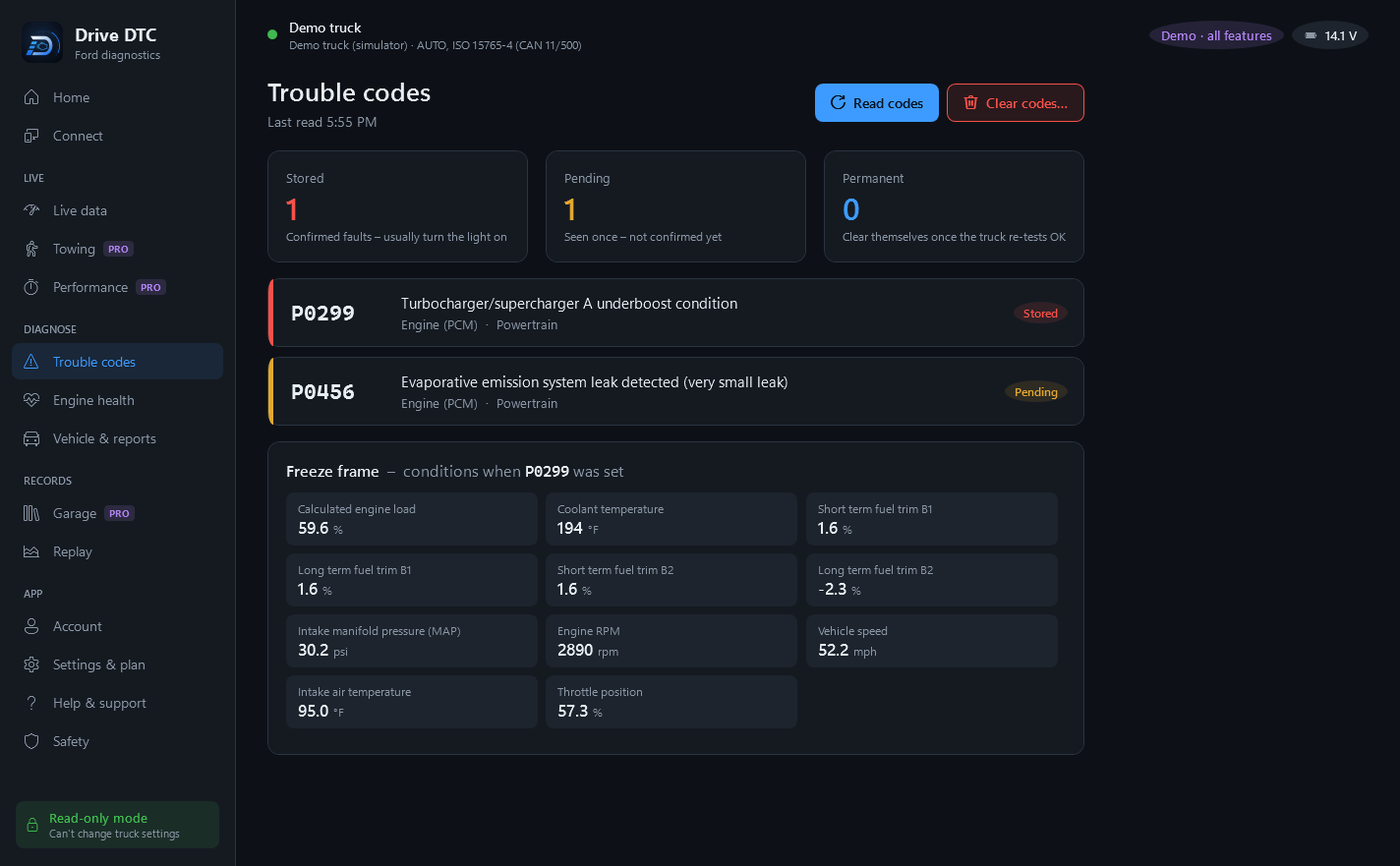
…you want to understand what the vehicle is telling you and what to do about it – in your own words, not a code table – and you want a record of it over time. That is the whole of what we build.
Feature by feature
Side by side
| What you want to do | Cheap dongle + phone app | FORScan | Drive DTC |
|---|---|---|---|
| Read and clear engine codes | Yes | Yes | Yes |
| Codes explained in plain English, with likely causes and prices | Usually a code table | Technical by design | Yes |
| ABS, airbag and transmission codes | Rarely | Yes | Yes |
| Change settings, program modules, output tests | No | Yes – its strength | Never. Read-only by design |
| Live data and gauges | Yes | Yes | Yes |
| Open recalls and free-repair cover for your vehicle | No | No | Yes |
| Is it safe to drive, and what does it cost to fix? | No | No | Yes |
| Start from a symptom instead of a code | No | No | Yes |
| A history of every checkup, before-and-after | Rarely | Logs, not history | Yes |
| Reports and estimates for a customer | No | No | Yes (Shop) |
| Works on every make | Generic codes, yes | Ford family | Generic on all; extras by brand |
| Runs on | Phone | Windows | Windows |
| Price | Free–$40 | Free, with paid extended licence | Free to start, one-off Pro |
Trade-offs
Where we lose
Plainly, so nobody finds out after paying:
- We can't change anything on your vehicle. No module programming, no enabling hidden features, no output tests, no key programming. It is a deliberate design decision – the app can only ask questions – but if that is what you need, we are the wrong tool.
- Windows only. No phone app, no Mac.
- Manufacturer-specific data is limited. We read the standard data on every make, plus extras where we have a public source for them. A dealer tool sees more.
- We are new. FORScan has years of community knowledge behind it. We have better explanations; they have more depth on Fords.
Our advice
What we would tell a friend
If the light is on and you just want to know why, any $30 adapter will tell you the code – and our code pages will tell you what it means, for free, without installing anything. If you are going to work on the vehicle yourself and want to change things on it, get FORScan. If you want something that keeps an eye on the vehicle, explains what it finds, tells you what somebody else should be paying for, and keeps a record you can hand to a buyer or a shop – that is us.
FORScan is a trademark of its own developers and is not affiliated with Drive DTC. We think it is a good tool and say so above. Prices and capabilities change – this page was last written to match what each tool did at the time of writing.
Try it on your own vehicle
Free to start, and it works with any USB OBD-II adapter. Nothing is written to the vehicle, ever.