 Drive DTC
Battery and charging test
Grade the battery at rest, while cranking and while charging, and watch resting voltage over time.
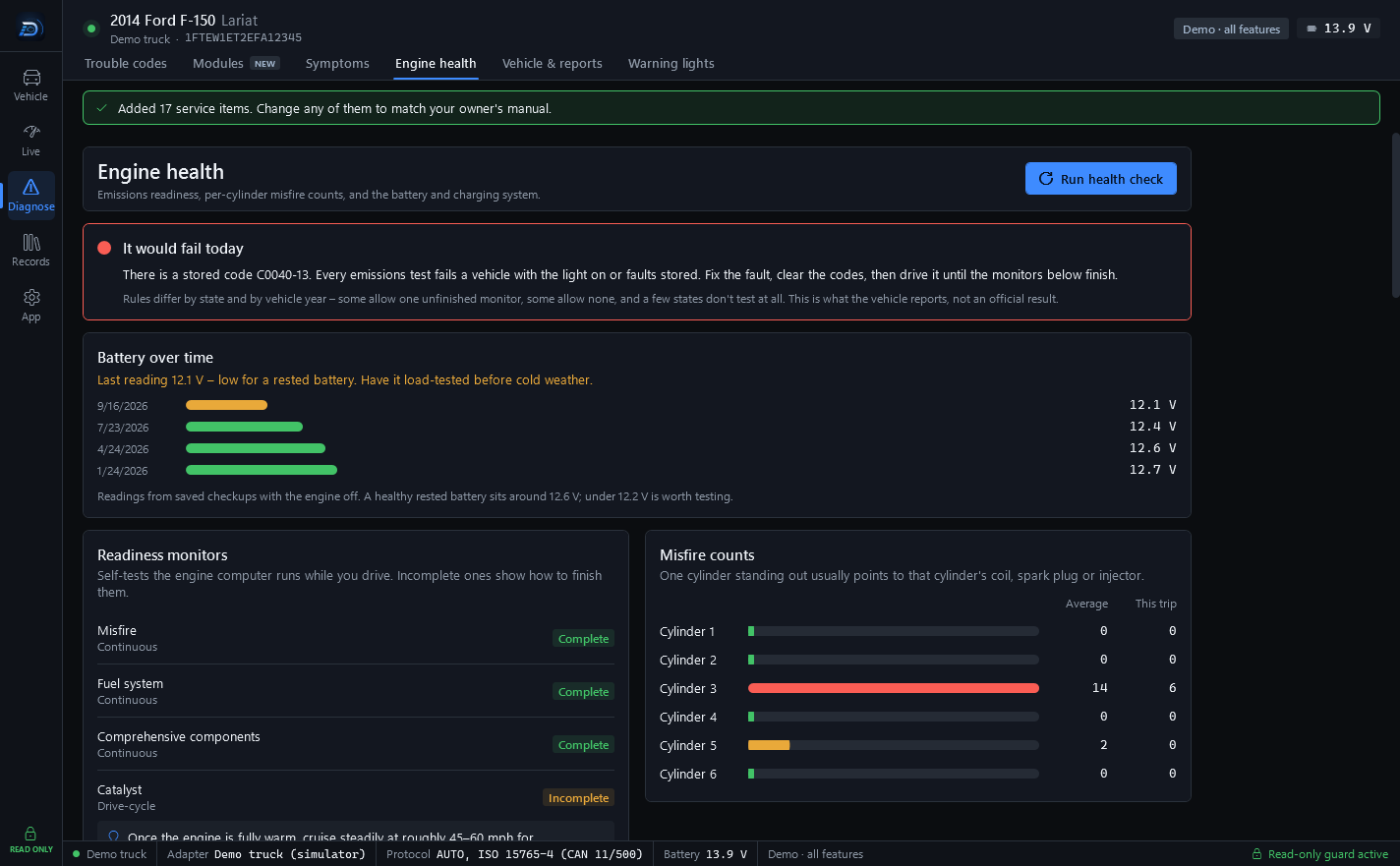
Every checkup reads the battery voltage at the OBD port. You can see it in the header chip and the status bar whenever you are connected. The Battery & charging test goes further, and it is part of Drive DTC Pro.
Run the test
- Start with the engine OFF and the ignition ON.
- Go to Diagnose → Engine health and press Start battery test.
- Drive DTC measures the battery, then asks you to start the vehicle. It watches the voltage dip while cranking and the charging voltage once the engine is running.
- Press Cancel at any point to stop.
You get three grades: resting, cranking and charging.
Note: Grades use common 12-volt battery rules of thumb (about 12.4 V+ resting, 10 V+ while cranking, 13.5–14.8 V charging), not Ford specifications. They are estimates, not a load test.
Battery over time
With saved checkups in your garage, Engine health charts the resting voltage from each one. Readings come from checkups taken with the engine off. A healthy rested battery sits around 12.6 V; under 12.2 V is worth testing.
Saved checkups need the Garage, which is part of Drive DTC Pro. See Your garage and checkup history.
Last updated
Was this helpful?