 Drive DTC
Crash reports and usage statistics
Both are off unless you turn them on, and neither includes your VIN, account or location.
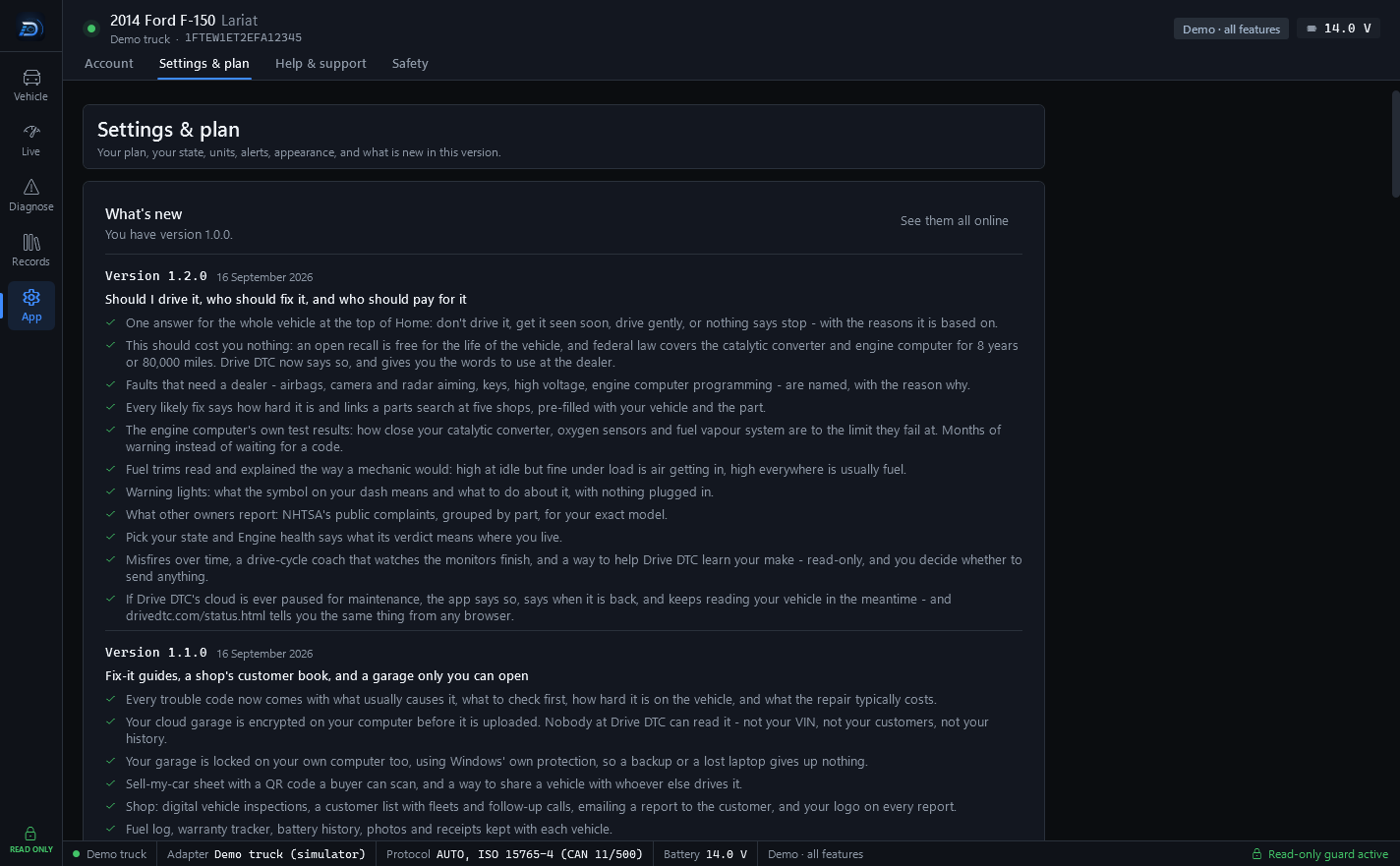
Drive DTC has two optional switches under Settings & plan → Privacy & diagnostics. Both are off unless you turn them on, and you can turn either off again at any time.
Send anonymous crash reports
If Drive DTC crashes, send the app version, Windows version and the technical error so it can be fixed. No account, VIN or vehicle data is included. Off unless you turn it on.
Crash reports are not linked to your account, and your Windows user name is removed from file paths before anything is sent.
Send anonymous usage statistics
Helps decide which vehicles and adapters to support next: the trouble codes a checkup finds, the vehicle's make and year, and whether connecting worked with your adapter. No VIN, account, computer ID or location. Off unless you turn it on.
To limit abuse, a scrambled (hashed) form of your network address is stored with each report.
The crash log on this computer
Whether or not crash reports are on, Drive DTC keeps a crash log on this computer. Press Open Drive DTC data folder under Privacy & diagnostics (or on the Help & support page) to find it. If you send a support message about a crash, that log is a useful thing to describe or attach.
Note: Support tickets have their own switch, Include diagnostics, on a new ticket. It is separate from these two, and See what's included shows exactly what will be sent before you press Create ticket. See Contact support and send diagnostics.
Last updated
Was this helpful?