 Drive DTC
Install Drive DTC
Get the free Windows app from the Microsoft Store and check what you need before you start.
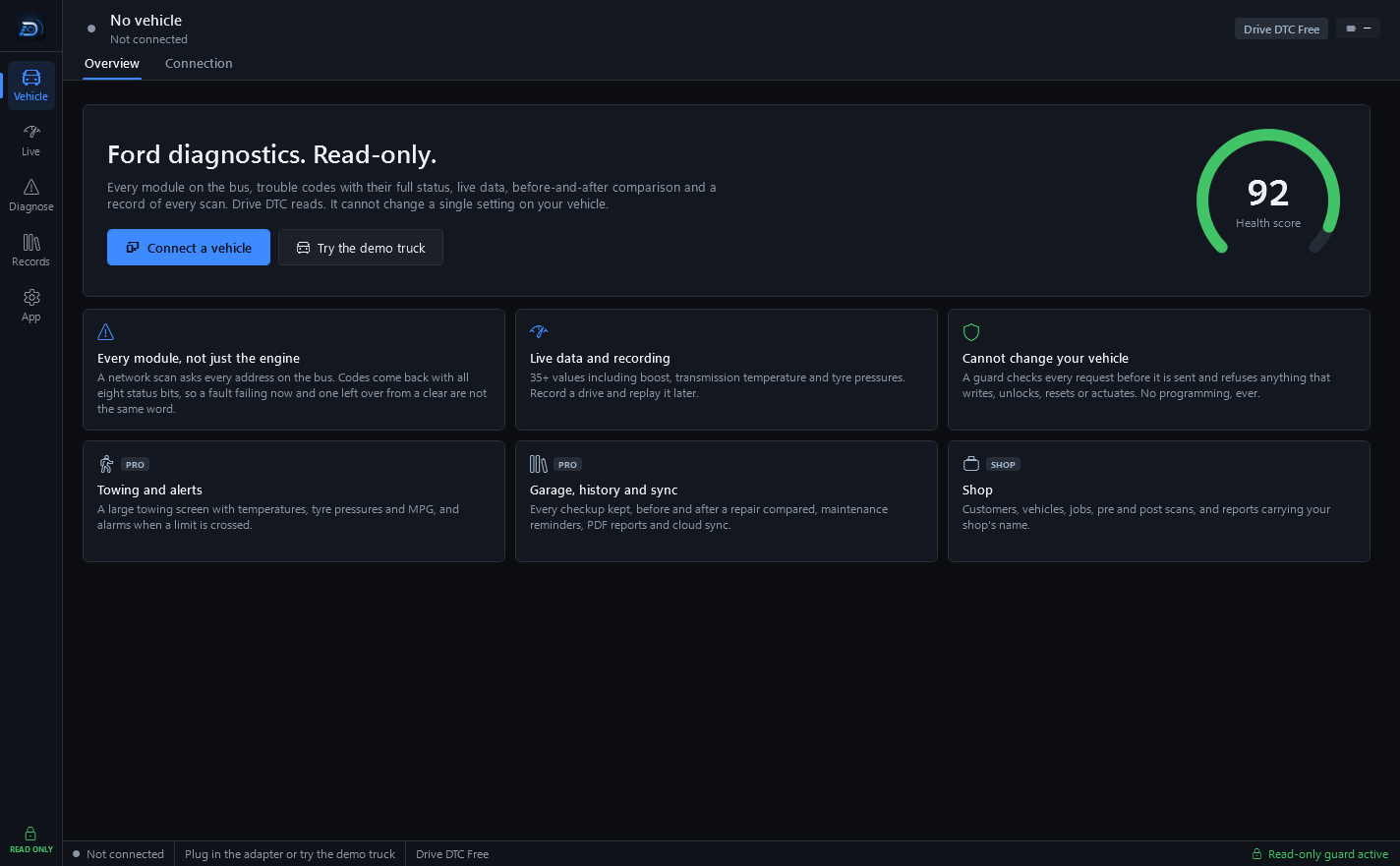
Drive DTC is a desktop app for Windows 10 and Windows 11. The app is free in the Microsoft Store. Pro, Shop and brand packs are one-time add-ons bought inside the app.
What you need
- A PC running Windows 10 or Windows 11.
- An ELM327-compatible OBD-II adapter. See Choose an OBD-II adapter.
- A Ford, Lincoln or Mercury vehicle from 1996 or newer. Generic engine codes, live data, freeze frame and recalls also work on other brands.
- A free account or a license code. The welcome screen asks for one of them before anything else works.
Install the app
- Open the Microsoft Store on your PC and search for Drive DTC, or use the Get Drive DTC button on the website.
- Install it like any other Store app.
- Open Drive DTC. The welcome screen offers Sign in, Create account and Licence code.
Updates arrive through the Microsoft Store in the same way.
What Drive DTC is not
- There is no phone app and no Mac version. Windows only.
- There is no web app for your vehicle data. Your browser only opens share links, estimates, the redeem page, the free VIN check and the trouble code library.
Note: You do not need a vehicle to try it. On the Connection page press Start demo to drive a simulated F-150 with every feature unlocked. See Try the demo vehicle.
Last updated
Was this helpful?