 Drive DTC
Start from a symptom or a warning light
Two pages that work with nothing plugged in, one for what the vehicle is doing and one for the light on the dash.
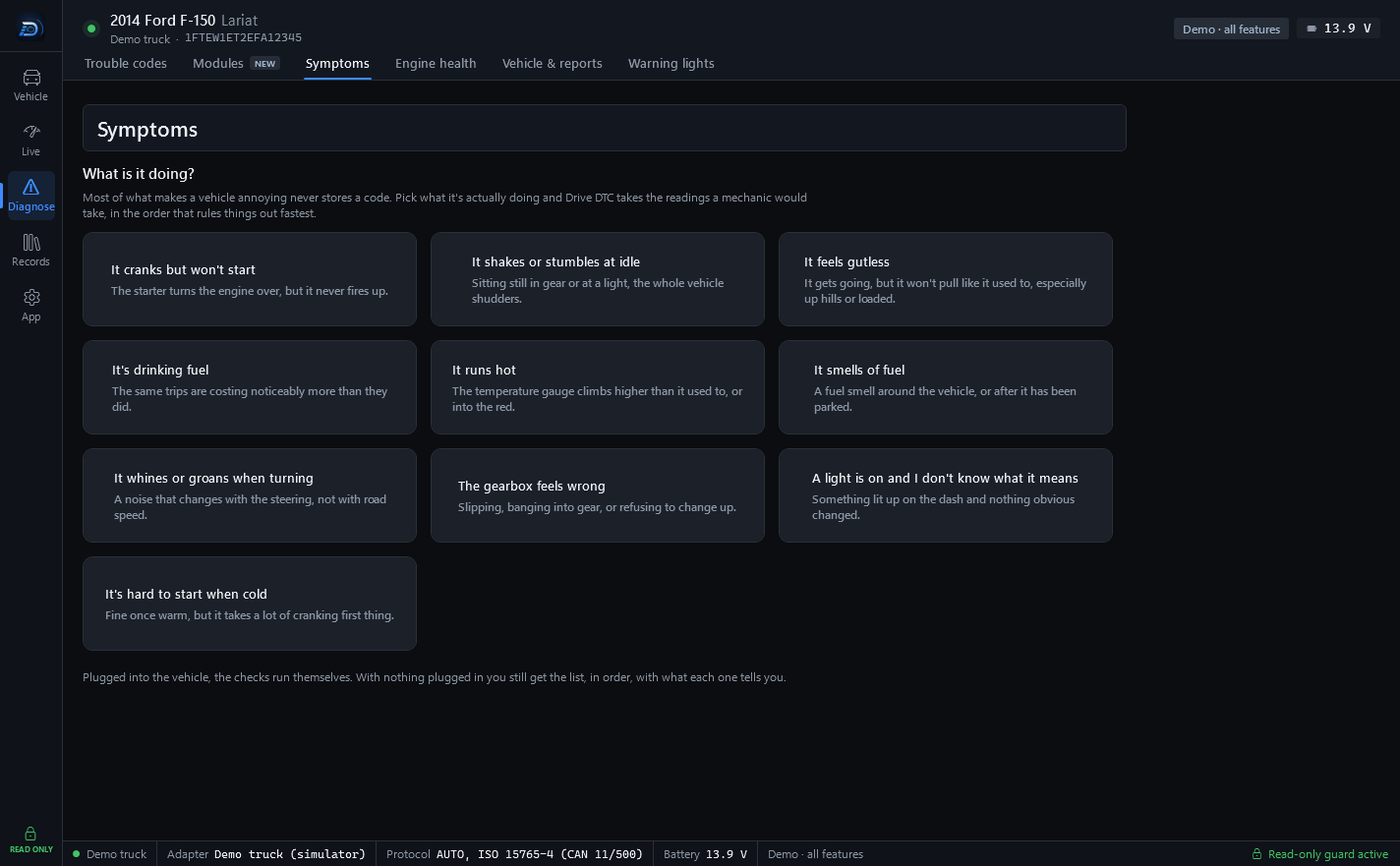
Most of what makes a vehicle annoying never stores a code. Two pages in the Diagnose group start from what you can see and hear instead of from a code, and both work with nothing plugged in.
Symptoms
Go to Diagnose → Symptoms and pick what the vehicle is actually doing. Drive DTC takes the readings a mechanic would take, in the order that rules things out fastest.
- Plugged into the vehicle, the checks run themselves. Each step reports what it found and what that says. Press Run the checks again after a change, or Stop to end early.
- With nothing plugged in, you still get the list, in order, with what each one tells you, so you know what to look at.
At the end, What this usually turns out to be lists the common causes. Read the trouble codes jumps to the Trouble codes page.
Warning lights
Go to Diagnose → Warning lights for what the symbol on your dash means and what to do about it. Red: stop when safe. Amber: something has failed. Green and blue: a system is on. Press See the symbol on a light's row to check it against your dash, and Read the codes to see what the vehicle stored.
Note: The advice on these pages is general. If a red light is on, stop when it is safe and have the vehicle looked at before driving on.
Last updated
Was this helpful?