 Drive DTC
Try the demo vehicle
A built-in simulated F-150 lets you use every feature with nothing plugged in.
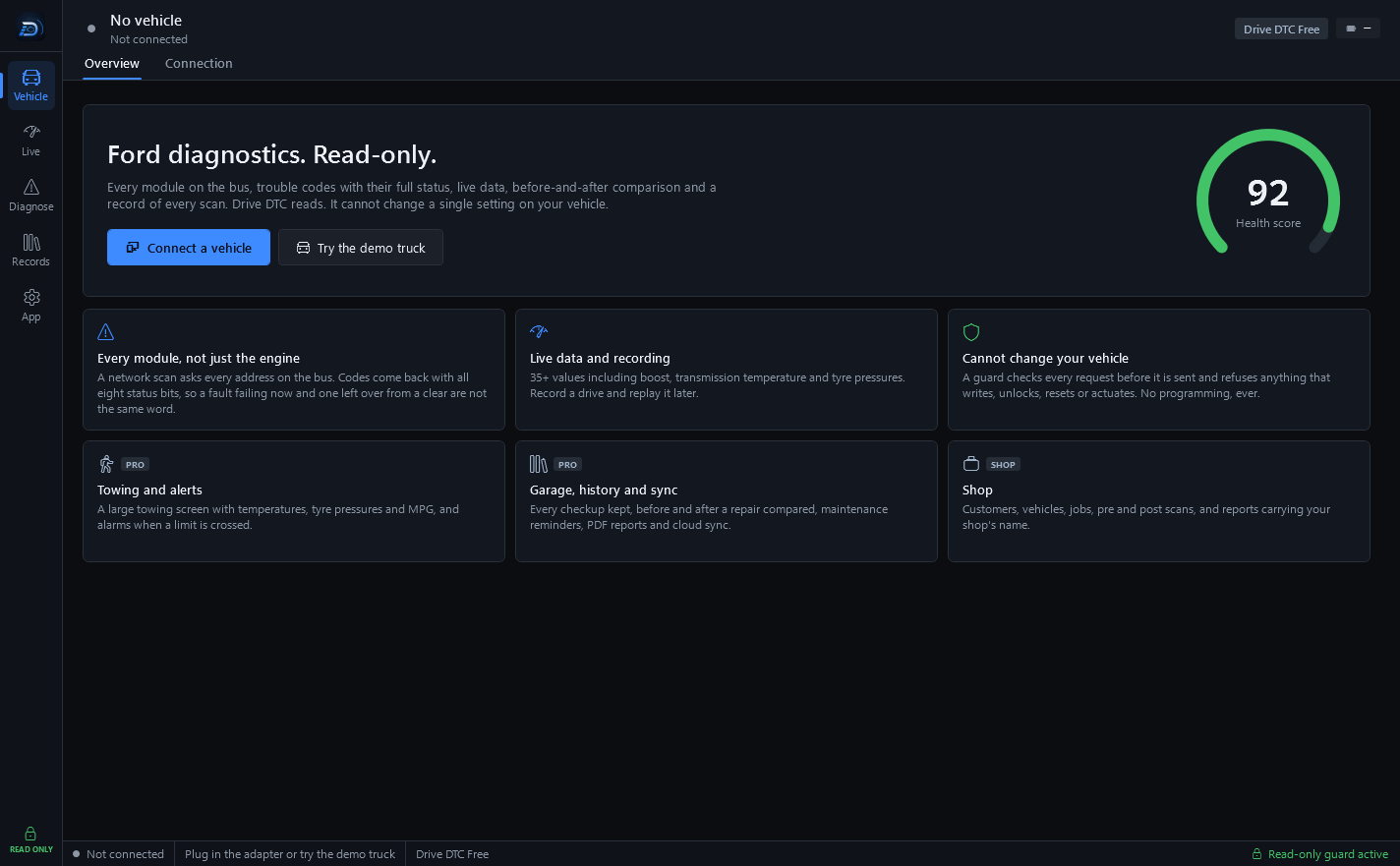
The demo vehicle is a simulated 2014 Ford F-150 3.5L EcoBoost with a couple of trouble codes and a cylinder 3 misfire count. It goes through the same guard as a real vehicle, so every screen behaves the way it will with your own truck.
Start it
- Go to Vehicle → Connection and press Start demo. The Overview page also has a Try the demo truck button when nothing is connected.
- The header changes to Demo truck and the plan badge says Demo · all features.
- Use any screen: run a checkup, read and clear codes, watch live data, open the Garage.
- Press Disconnect on the Connection page when you are done.
What the demo unlocks
Every feature is unlocked while you are connected to the demo truck, so you can try it before buying. That includes Towing, Performance, the Garage, the battery test, PDF reports and every brand's extras.
Things to know
- Reports made from the demo carry a "DEMO DATA – simulator, not a real vehicle" pill.
- Plan features unlocked with the demo vehicle are for evaluation only.
- Clearing the demo's codes works like the real thing, including typing CLEAR to confirm.
- When you disconnect the demo, your plan goes back to what you actually have.
Last updated
Was this helpful?