 Drive DTC
What stays on your computer and what goes to the cloud
Vehicle data stays local unless you choose sync or share links. Cloud copies are encrypted before upload. We never store a whole VIN.
The short version, from the Privacy Policy:
- Your vehicle data stays on your computer unless you choose to use cloud features such as sync or share links.
- We never store a whole VIN.
- We don't sell your personal information, show ads, or use third-party advertising or analytics trackers.
- The app doesn't collect your location.
On your computer
Live vehicle data, drive recordings, reports you save, your settings, the crash log and your garage (vehicles, saved checkups, maintenance, and any customer details you enter) are stored on your computer. The garage is sealed with Windows data protection, locked to your Windows account. Photos and receipts are never uploaded.
Settings & plan → Privacy & diagnostics → Open Drive DTC data folder shows you where it all lives.
Optional cloud features
Cloud sync, share links, emailed reports, estimate approval links and family shares all put data in the cloud, and all of it is encrypted on your computer before it is uploaded. Drive DTC's servers hold copies they cannot read. See Sync your garage between computers and Your garage key and recovery key.
What the app does send
- Sign-in and license checks: your account or license code and a scrambled identifier for your computer, so a plan works only on the number of computers it allows.
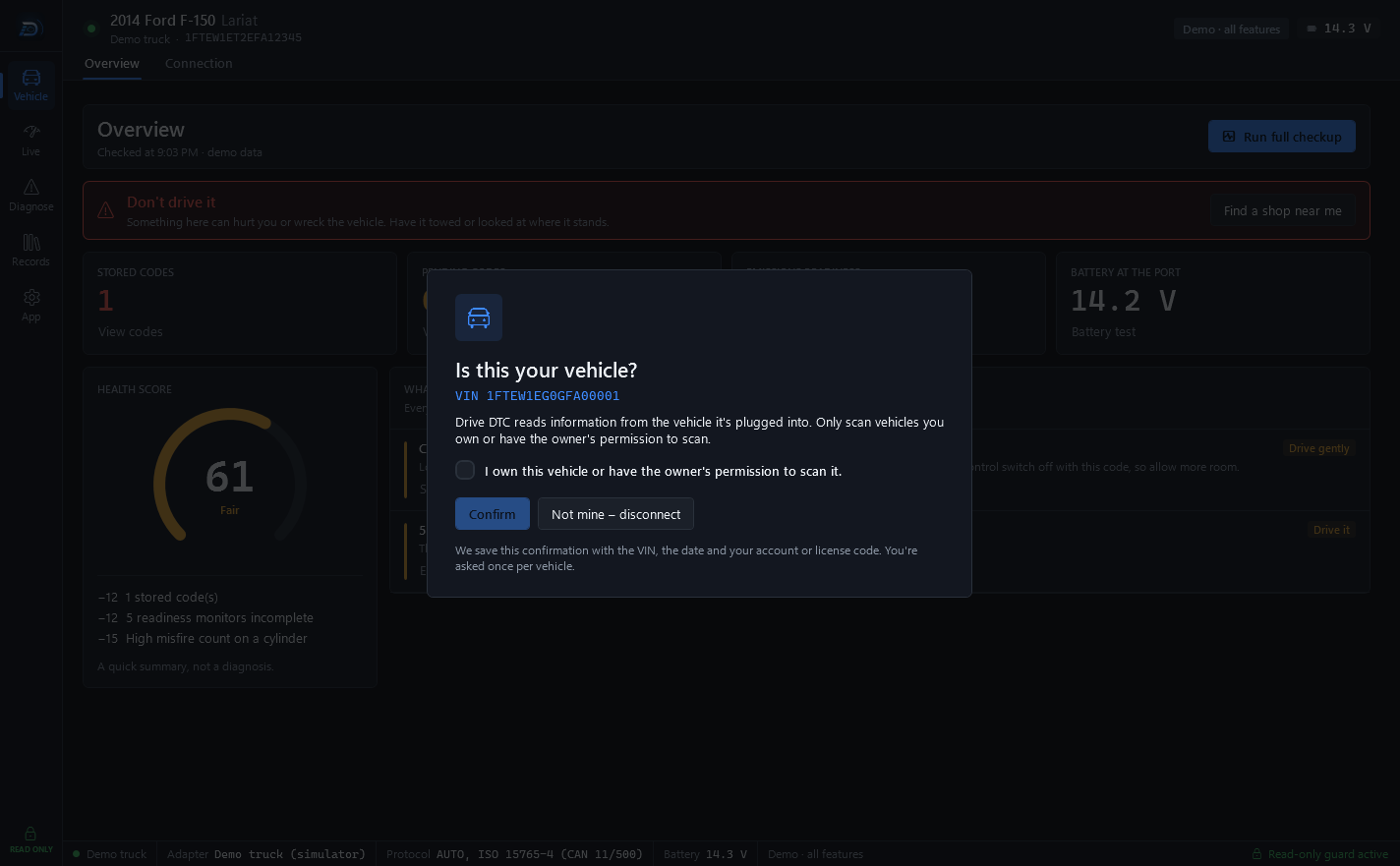
- Vehicle confirmations: the first time a vehicle connects you confirm you own it or have permission. We do not store the VIN itself, only a one-way scrambled form, its last 6 characters, the manufacturer code and model year, with the date, your account or code, and the app version.
- Support tickets: your message, your account email (or the address you type on the website contact form), the app version and, if you leave Include diagnostics on, technical details. Your VIN is not included in diagnostics. Files you attach are kept where only you and Drive DTC support can open them.
- Crash reports and usage statistics: only if you turn them on. See Crash reports and usage statistics.
- Vehicle details and recalls: the VIN lookup and recall checks go to NHTSA directly.
Delete it
You can delete your cloud data in the app at any time, and delete the account itself. See Delete your cloud data or your account.
Last updated
Was this helpful?